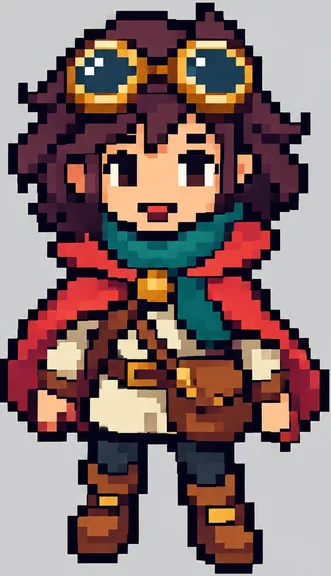
If you don't know pixel art
Describe what you want, run it through your favorite AI and drop in the image. Dropxel handles the technical side: size, palette, outline and basic animations. You decide how it looks.
Pixel art for games · from AI images
Dropxel turns your AI images into real sprites: exact size, locked palette and clean edges. Then you touch them up by hand, animate them and export them to your engine.
Free forever with one project. No card required.

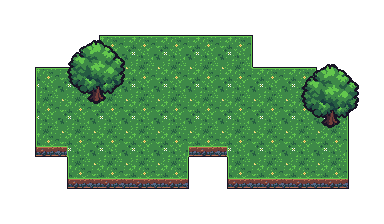




AI imagePixel art
A pixelate filter leaves hundreds of colors, blurry edges and semi-transparent pixels. Dropxel shrinks the image to the exact size you ask for, snaps every pixel to your project's palette and checks the result before handing it over.
Validated
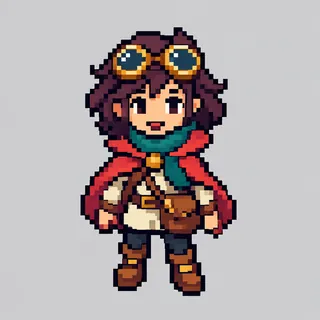
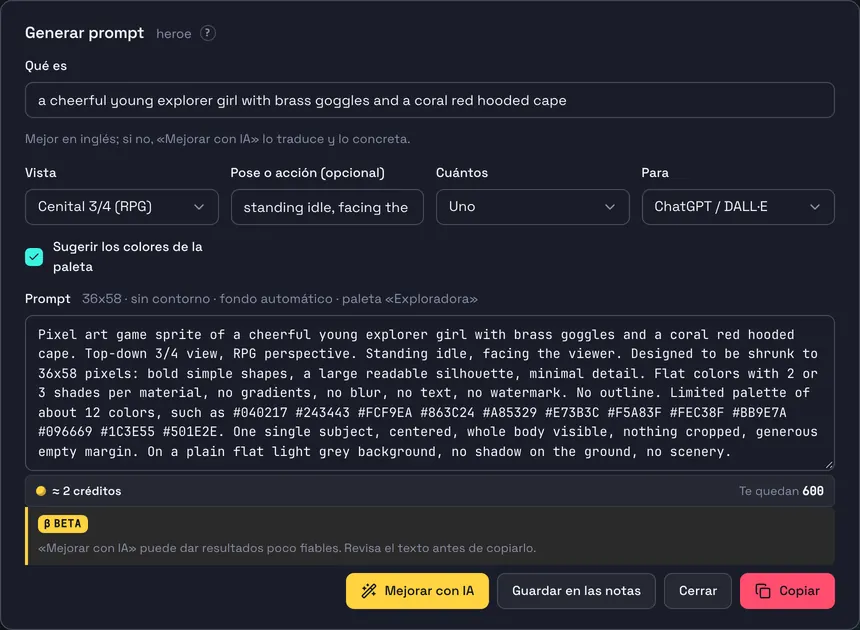
“Generate prompt” writes the text for ChatGPT or Midjourney with your project's palette, framing and size. It's free and uses no credits. To fine-tune it, “Improve with AI” β rewrites it.
99,367 colors
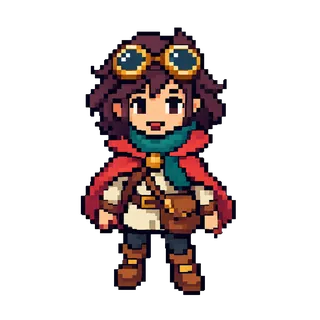
Flat backgrounds, gradients and chroma keys come off automatically. For tricky backgrounds there's local AI β, which runs on Dropxel's server without sending your image to anyone.
93,119 colors

It crops to the figure and ignores the haze some generators leave behind. It downscales to the exact size in one of two ways: by average, or by most common color, which keeps edges sharp.
955 colors
Every pixel moves to the closest color in your palette, measured the way the eye sees it, not the way the computer stores it.
20 colors
It removes stray pixels, adds an outline if you want one and checks the size, colors and transparency. If something's off, it tells you.
Validated
Every step is saved in the history, so you can go back to any of them whenever you like.
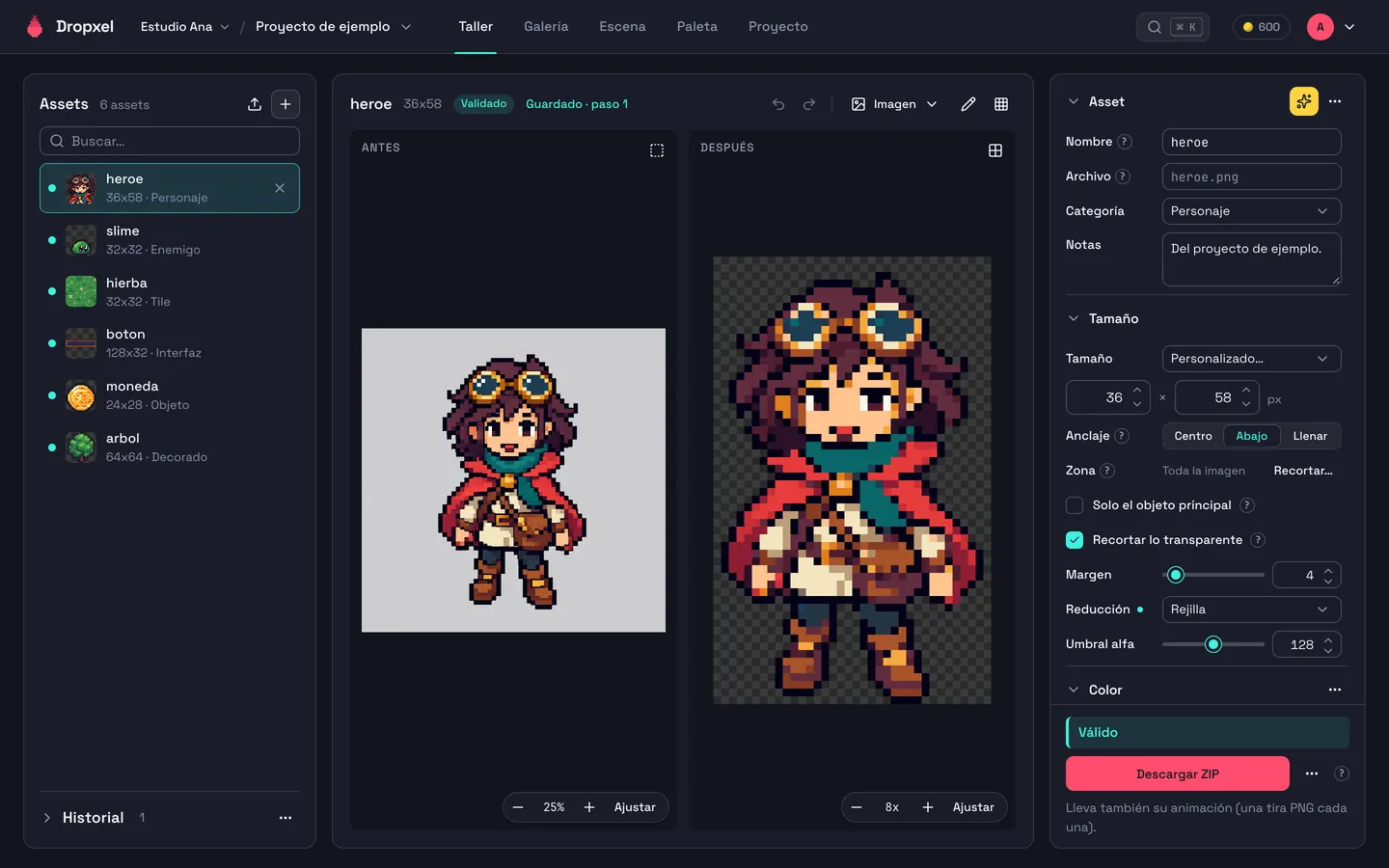
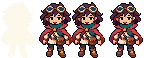
Pixel art game sprite of a cheerful young explorer girl with short wavy dark plum hair, round brass goggles pushed up on her forehead, big friendly dark eyes, a coral red hooded cape over a cream tunic, a teal scarf, a brown leather satchel across her body and chunky brown boots. Top-down 3/4 view, RPG perspective. Standing idle, facing the viewer, arms relaxed at her sides. Designed to be shrunk to 48x72 pixels: bold simple shapes, a large readable silhouette, minimal detail. Flat colors with 2 or 3 shades per material, no gradients, no blur, no text, no watermark. Clean dark 1-pixel outline around the whole shape. Limited palette of about 12 colors, such as #181425 #193C3E #A22633 #FF0044 #733E39 #F77622 #E4A672 #FEE761 #3E8948 #124E89 #262B44 #8B9BB4. One single subject, centered, whole body visible, nothing cropped, generous empty margin. On a plain flat light grey background, no shadow on the ground, no scenery.
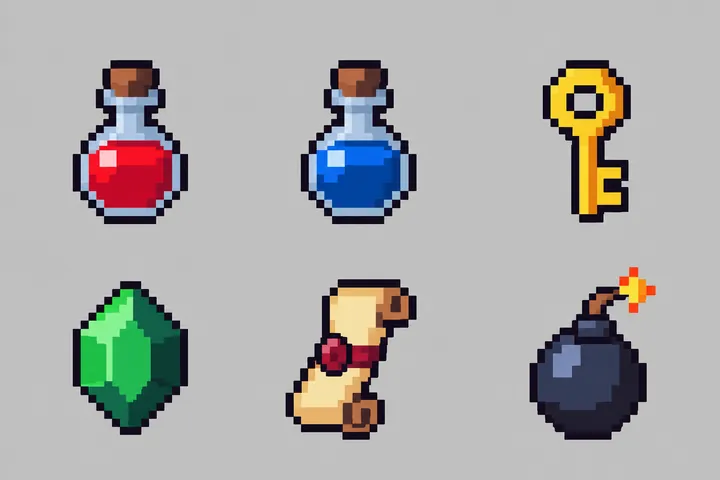
“Split objects” creates one asset for each: here, six 16 × 16 px sprites from a single image.

Describe what you want, run it through your favorite AI and drop in the image. Dropxel handles the technical side: size, palette, outline and basic animations. You decide how it looks.
Let Dropxel do the first sketch, then jump in with your tools: pencil, fill bucket, selection, symmetry, layers, tiling for tiles and onion skin. Your .aseprite files import as they are.
Export to Godot, Unity, GameMaker or Tiled with each engine's own files: SpriteFrames, .meta with pivot, TileSet with terrains, 9-slice… Integer scaling, no smoothing, straight into your game folder.
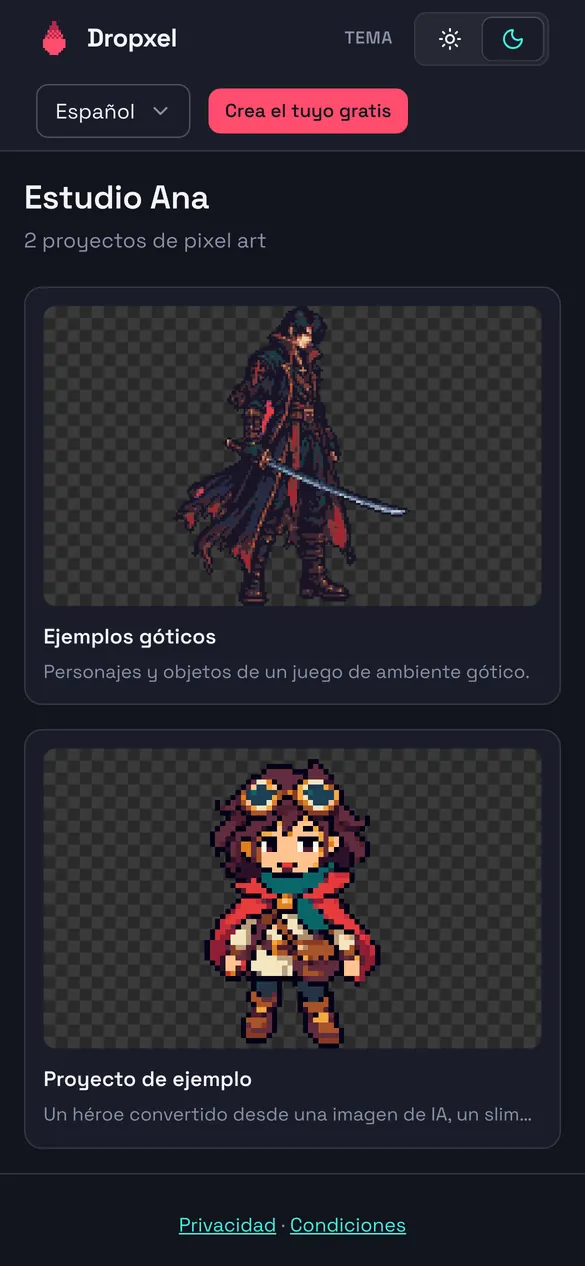
A swordsman, a hunter, a skeleton warrior, a chest and a wall sconce with its candle: AI images converted to 128 px with a custom 32-color palette.
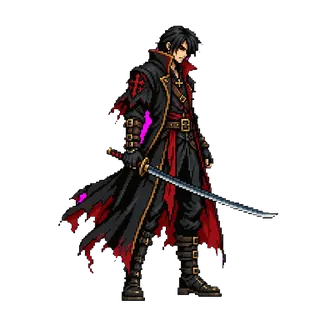
Swordsman
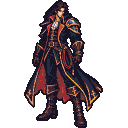
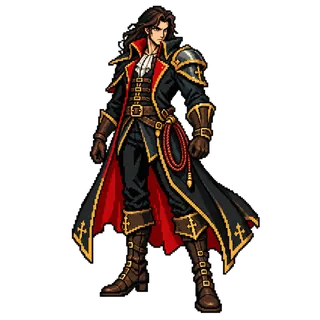
Hunter
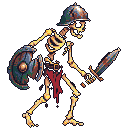
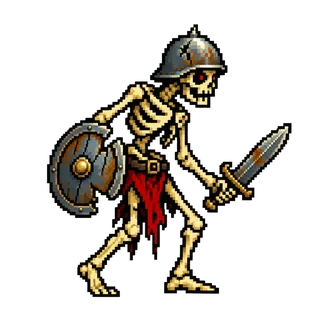
Skeleton warrior

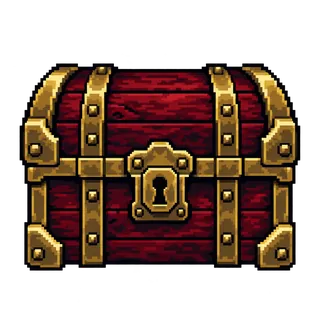
Chest

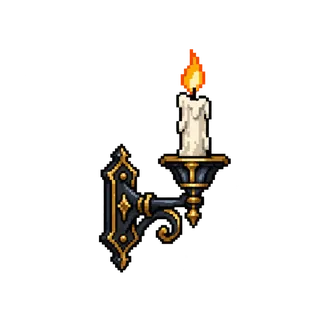
Sconce with candle

16 Lospec palettes ready to use, with 32 and 64 colors. Tap one and watch the same world change.
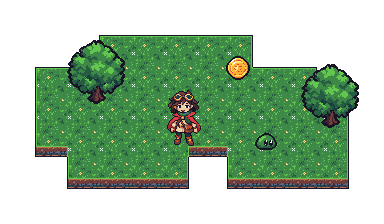
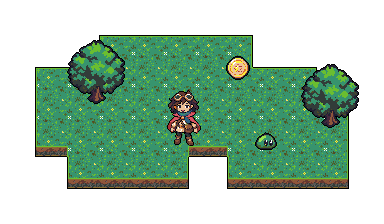
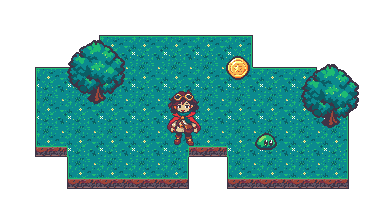
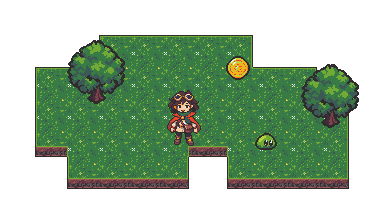
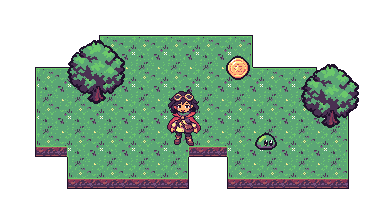
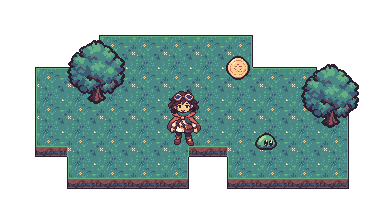
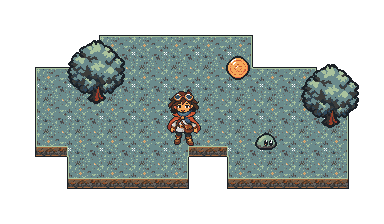
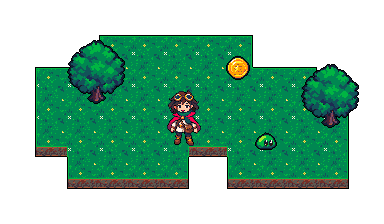
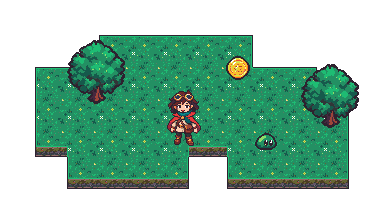
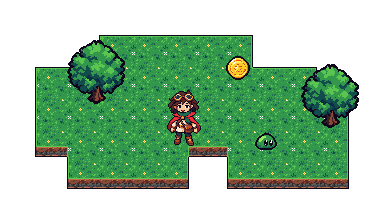
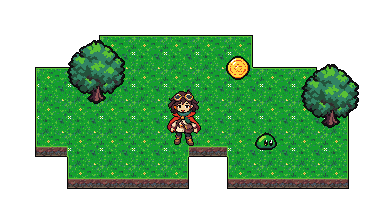
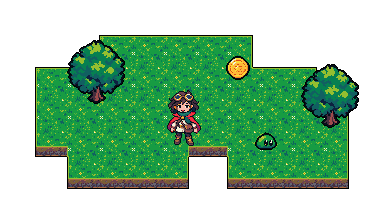
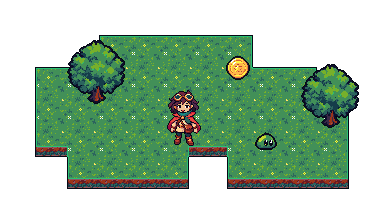
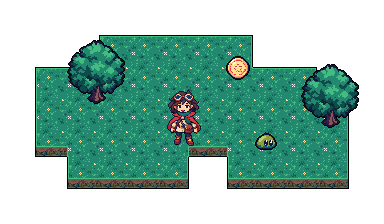
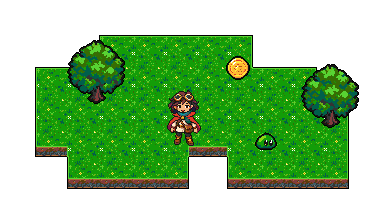
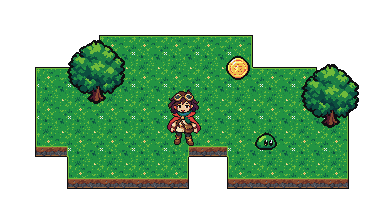
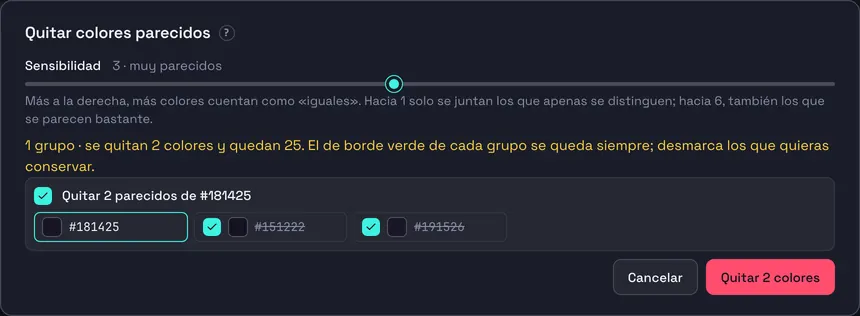
Pull it from a PNG, paste #RRGGBB codes or start from scratch. “Remove similar” groups nearly identical colors and keeps one from each group.

The loot image gives 16 colors; three blacks are nearly identical and “Remove similar” keeps one.
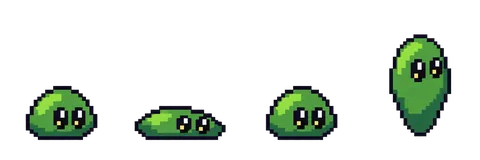
With “Shift hue” you get the same slime in red, blue or gold, always within your palette.

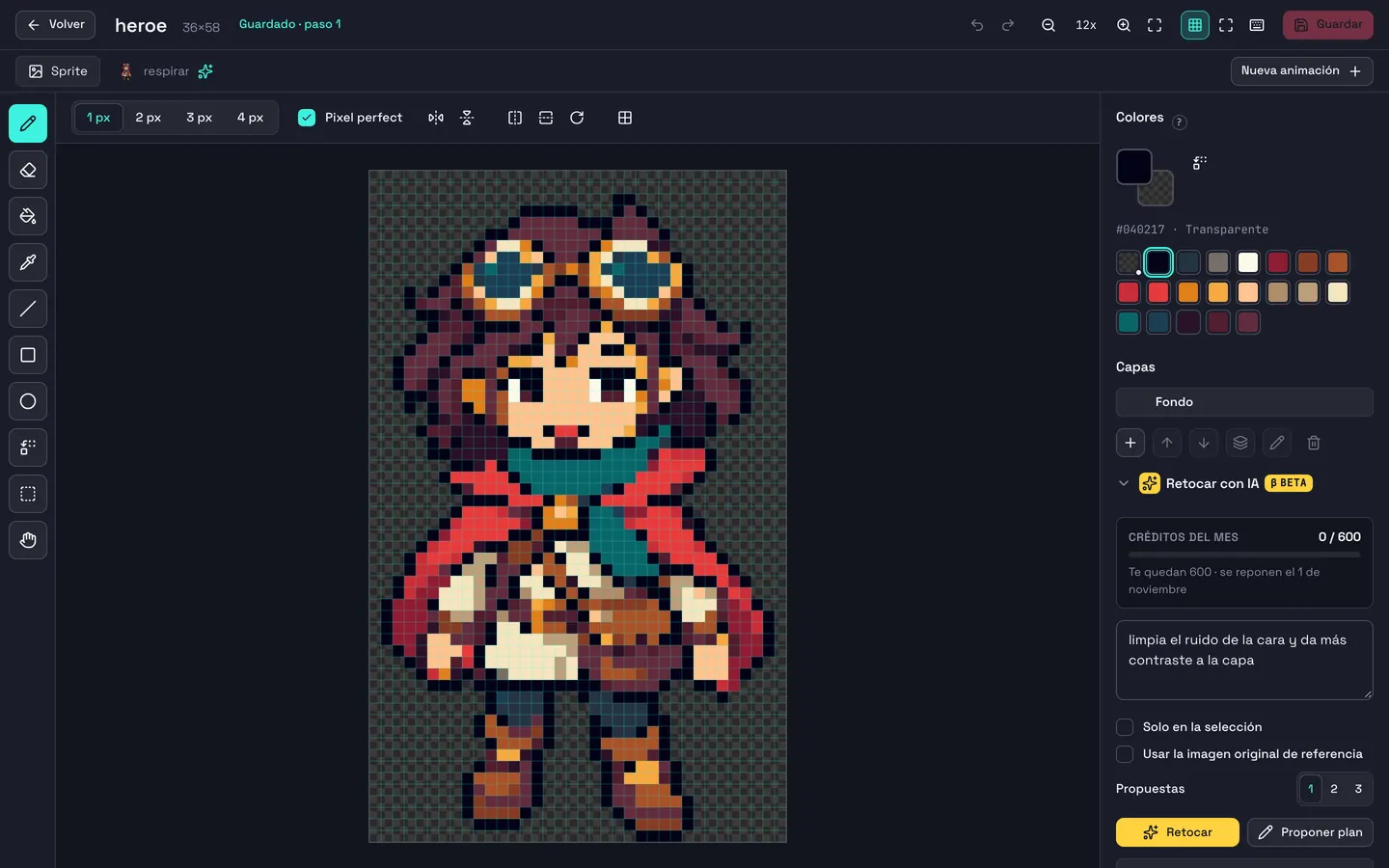
Automatic. Four animations from a single sprite.
Breathe
Float

Blink
Hit
Drop in a sheet: Dropxel finds the cells and puts them in order.
On each frame you mark collision boxes, hitboxes and hurtboxes, plus named points (the feet, the hand). It all comes out in the export.
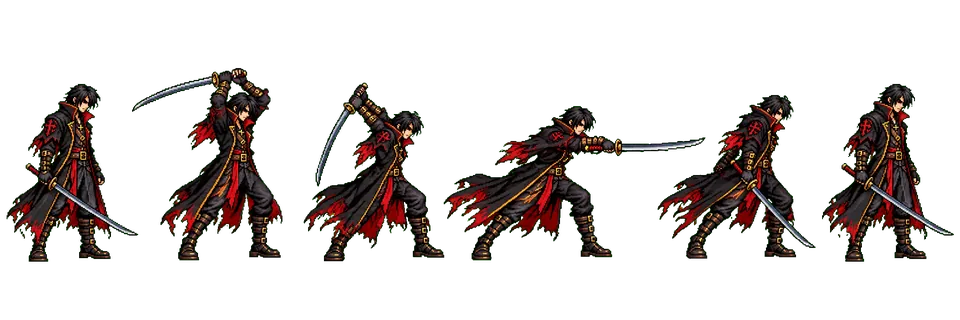
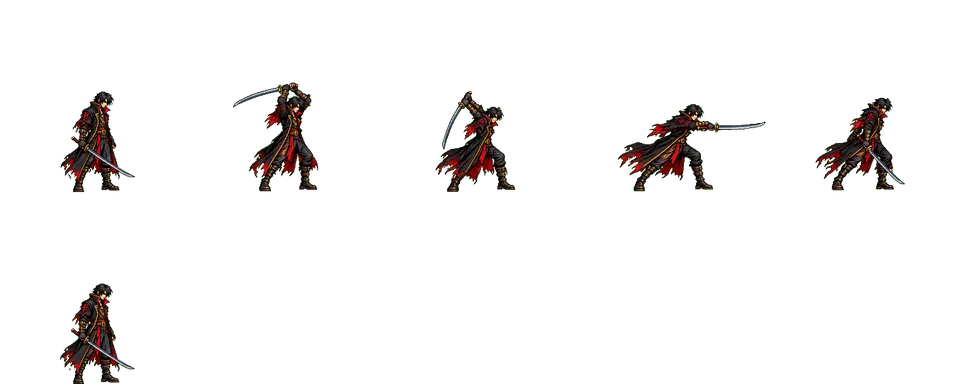
When the AI draws the sequence with the poses touching, it separates them and suggests a canvas where none of them get clipped.
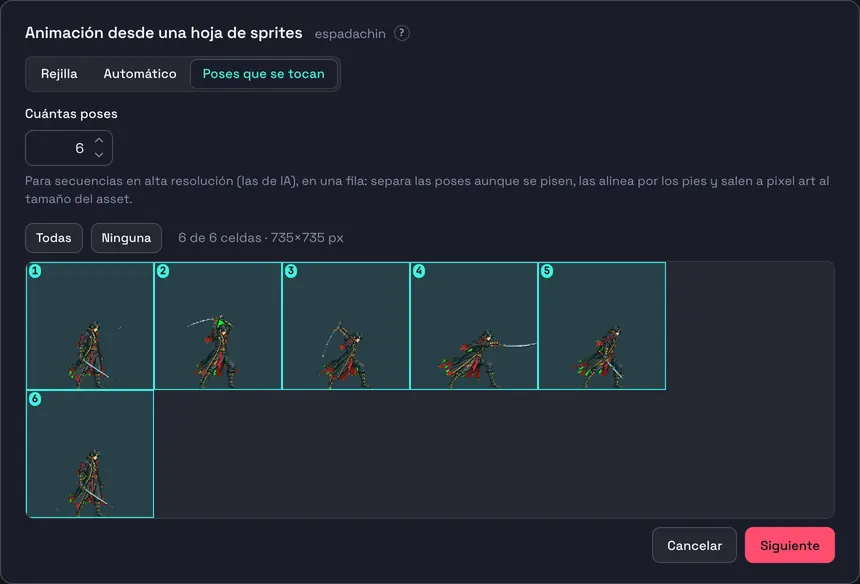
Download the sword swing GIF, exactly as Dropxel exports it.
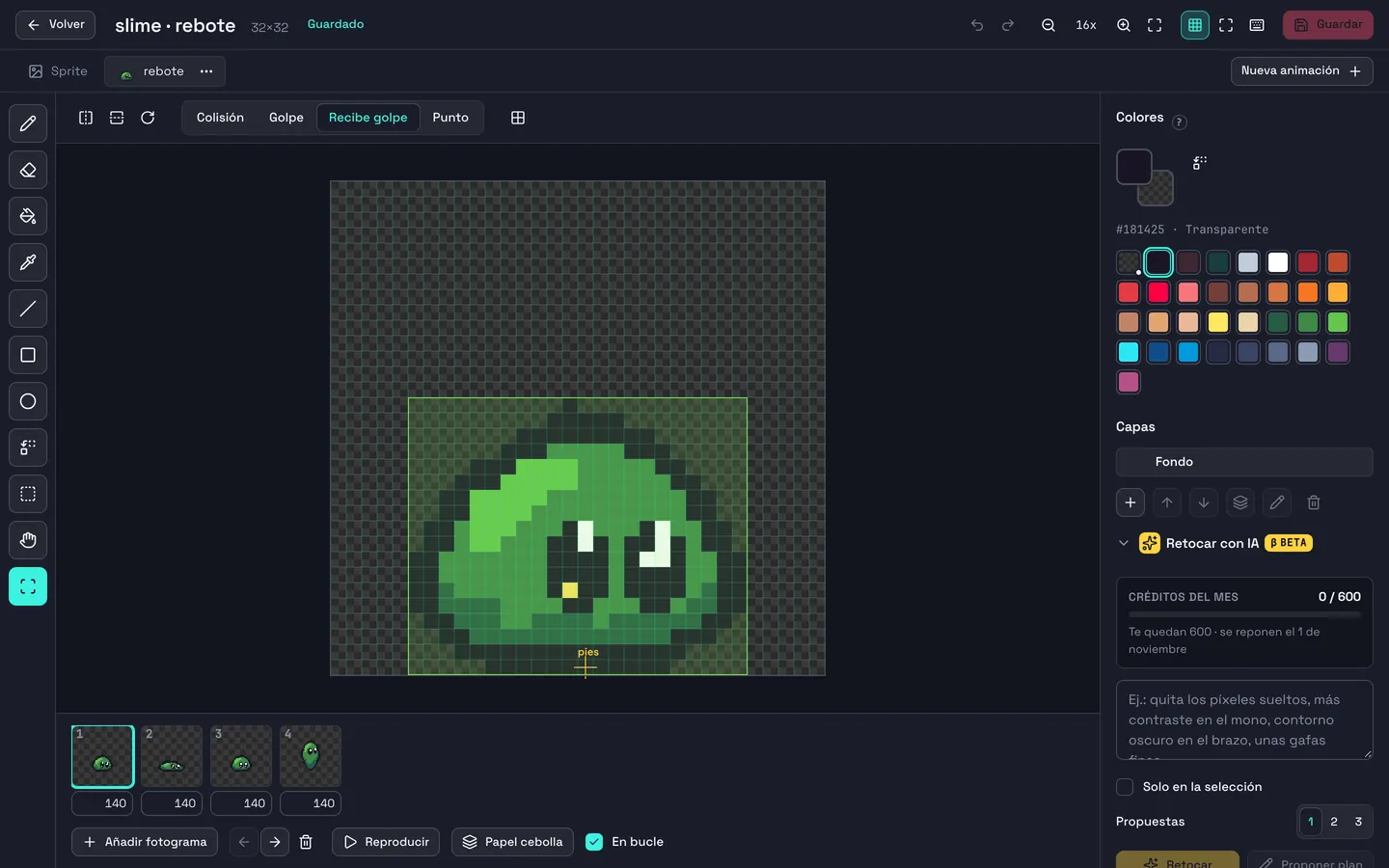
Each frame has its own duration, from 20 ms to 10 s. Up to 64 frames per animation, a GIF to show it off, and Aseprite animations import with their durations.
See the tile repeated 3×3 and paint across one edge to have it come out the other side. “Shift ½” moves the seams to the center so you can fix them.
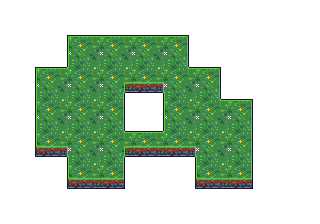
Draw a small template (3×3 plus corners, or RPG Maker's A2) and Dropxel generates all 47 pieces, or 16 on a dual grid. They come out as a Godot TileSet and a Tiled wangset, ready for painting maps.
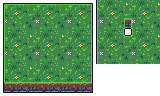
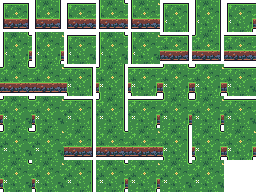
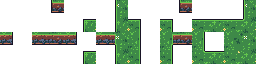
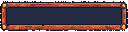
Mark the fixed borders of a panel or button and stretch it to any size: the corners stay intact. It exports as a StyleBoxTexture in Godot, spriteBorder in Unity and nineSlice in the atlas.
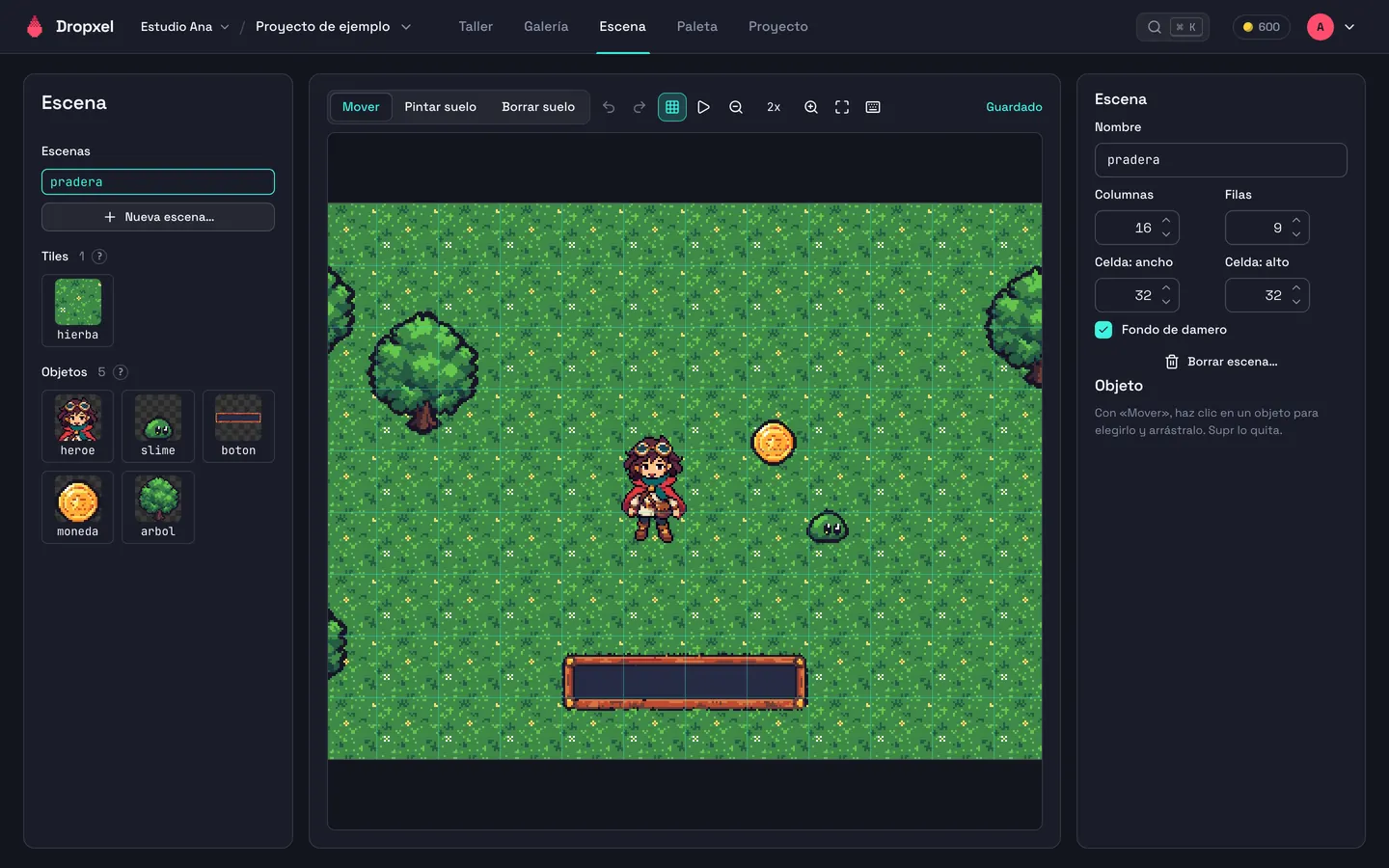
Build a scene with your tiles and sprites, with the animations running, and check that everything works together before taking it into your game.
Choose the engine, the scale and whether you want loose files or an atlas. Dropxel writes straight into your game folder if your browser allows it, or gives you a ZIP. The files follow each engine's documented format.
PNG with .tres AtlasTexture, SpriteFrames for animations, StyleBoxTexture for 9-slice and a TileSet with its terrain set for terrains.
.meta with Sprite mode, Point filter and pivot; strips in Multiple mode, plus the 9-slice borders.
sprites/spr_<id>.png with its origin in .gml and .json, strips with their speed, and sprite_set_nineslice().
.tsx tilesets for tiles and objects, animations with <animation> and wangsets for terrains.
atlas.png and atlas.json in TexturePacker's “JSON Hash” format, which Phaser, PixiJS, Defold and others can read.
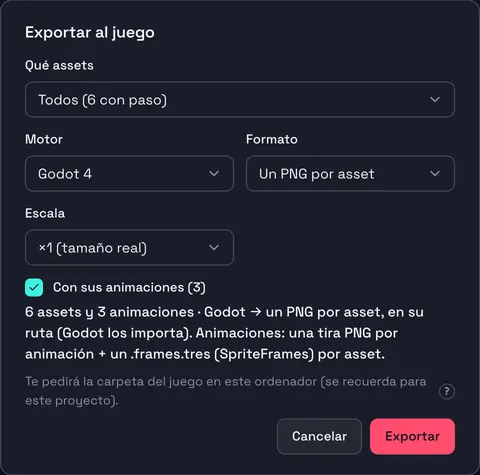
Export is complete on every plan, Free included.
Dropxel doesn't generate images: you bring them from your favorite AI. Its own AI helps with specific steps.
Features marked β are in beta and may give unreliable results: review them, and everything can be undone with Ctrl/⌘ + Z. “Improve with AI” and “Retouch with AI” use Claude, by Anthropic: only what you ask for in each request is sent; for a retouch, the sprite image and, if you choose, the original it came from.
The same prices for everyone.
To try Dropxel with one project.
€0
Recommended
To create without limits, on your own.
€12€12€10 per month
Save €24 a year
or €10 per month billed yearlybilled yearly · VAT included
For teams: you pay for editors, viewers are free.
€18€18€15 per month with 1 editor
Save €36 a year
+€12 per extra editor · or €15 billed yearlybilled yearly · +€10 per extra editor · VAT included
No. Dropxel handles the conversion and the basic animations, and if you do know it, you get a full editor to take things further.
Whichever you like: ChatGPT, Midjourney or another one. Dropxel doesn't generate images; “Generate prompt” gives you the text to ask for them.
You do. What you create is yours, and we don't acquire any rights to your images or your projects.
Only what you ask for with “Retouch with AI” (your text and the sprite) or “Improve with AI” (your text), and it goes to Anthropic. Converting, editing and removing backgrounds, including with local AI, send nothing outside.
Real: exact size, locked palette, no semi-transparent pixels, and validated before export.
It imports .aseprite and .ase files, with their visible layers and each frame's duration. What you export are regular PNGs, which Aseprite opens just fine.
Godot, Unity, GameMaker and Tiled, each with its own files. For everything else there are loose PNGs or an atlas in TexturePacker's JSON format (Phaser, PixiJS, Defold…).
What “Retouch with AI” and “Improve with AI” use; “Generate prompt” is free. Before each request you see what it may cost, and only what's used is charged: a retouch usually costs between 2 and 8 credits. Monthly credits refill on the day of the month you subscribed (on Free, on the 1st), and top-ups never expire.
Nothing gets deleted. If you go over a limit, the workspace becomes read-only and you can export everything until it fits again or you upgrade.
Yes, with Team. You pay for editors; viewers are free.
The app is designed for a computer screen. The pages you share do look good on mobile.
Free is free forever, with one project and full export. No card required.
No card required · 1 project free forever